Key features
- GitHub repository access
- Standard email support
- 12 months of updates
- Perpetual licence for Version 8
A great place to start.
Bring your videos to life with powerful animations and transitions. Slide in, slide out, fade, zoom, and create stunning effects for any element in your videos - all powered by React for complete control and customization.
Add professional animations to your videos today
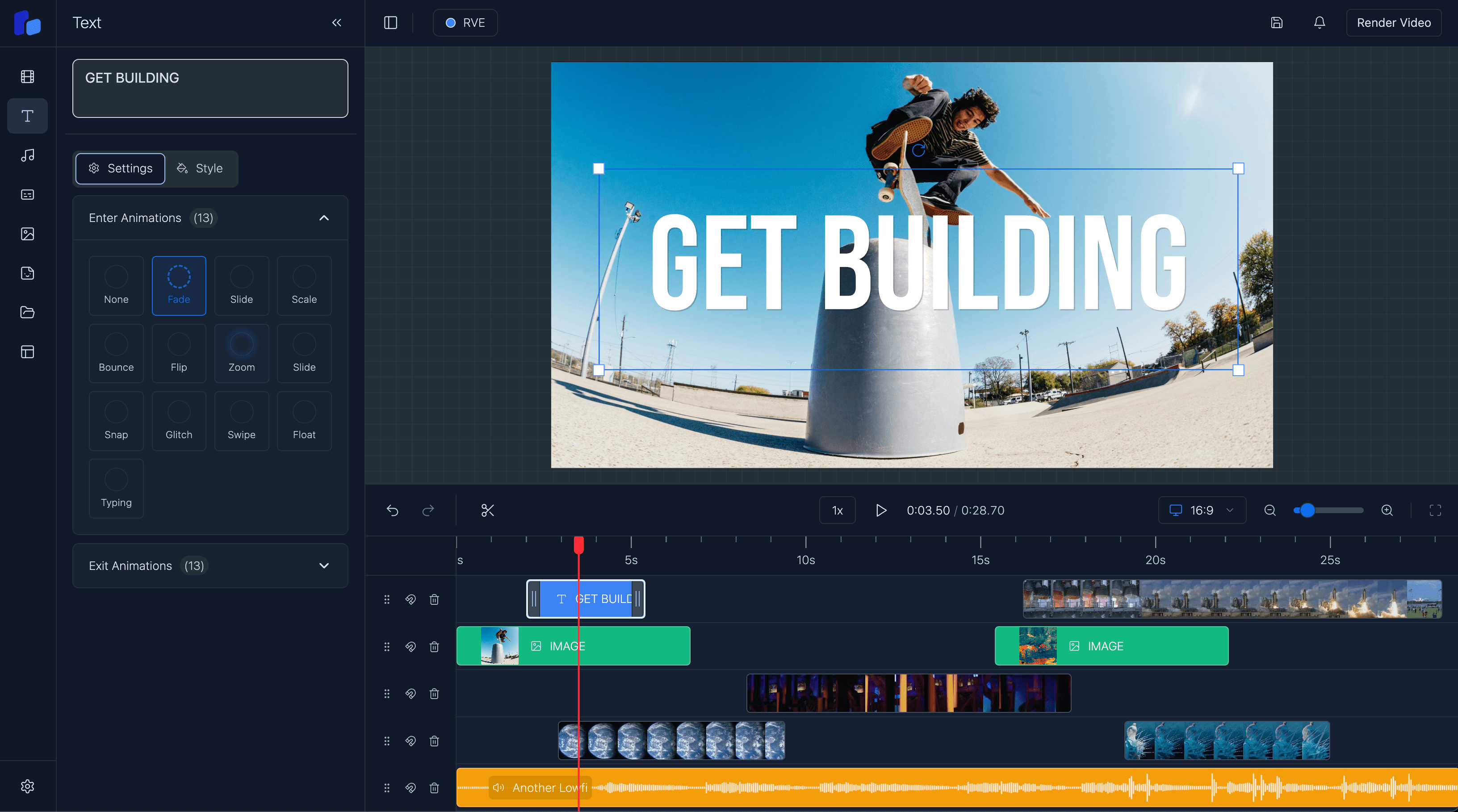














React-Powered Animations & Effects
Create stunning visual experiences with React-powered animations and transitions. From simple slides to complex effects, animate text, images, and any overlay with complete control. Choose from pre-built animation presets or create custom effects tailored to your brand.
Explore RVE SDKSlide In & Slide Out Animations
Fade, Zoom & Scale Effects
Custom Animation Control
Real-time Animation Preview
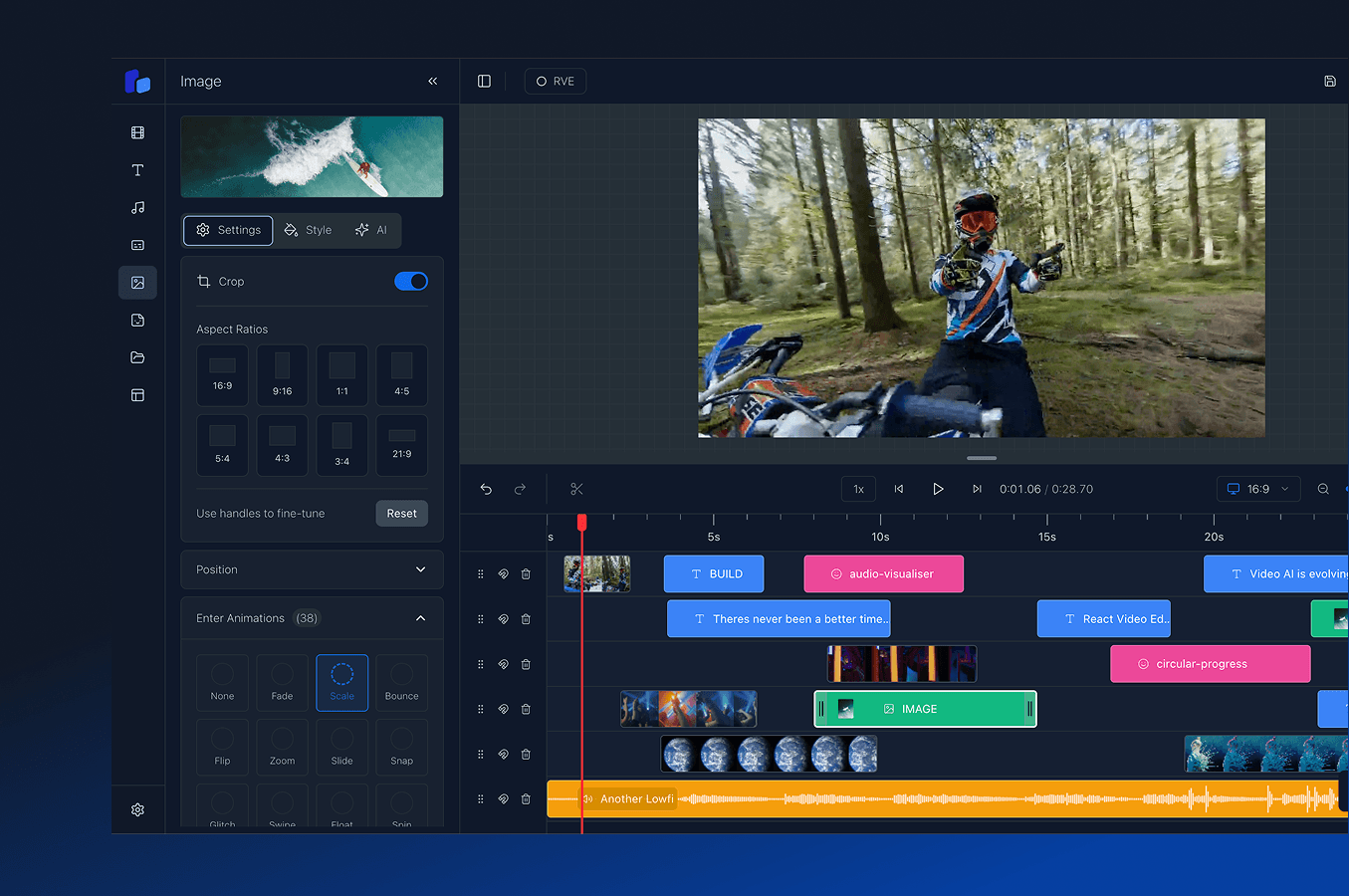
Transitions and animations work seamlessly with our timeline component, customizable overlays, and professional captions to create stunning, animated video experiences powered entirely by React.
Pricing
Start with a maintained SDK or own the complete source-code template. Select a product to see its current plans.
Get the complete source-code template, host it yourself, and maintain your own version.
Save up to $249 on RVE Pro before Version 9.
Version 9 of RVE Pro releases soon. It is the complete source code with all the features of the RVE SDK. Buy at the sale price now, and your 12 months of updates include Version 9.
Ends 22 October
Key features
A great place to start.
Startup
one-time licence
For teams that build and ship a product with the source code.
Get the Editor | $250Everything you need for Startup
For startups and growing teams.
Enterprise
custom pricing and terms
For larger teams that need custom source access, licence terms, or integration help.
Get in touchEverything you need for Enterprise
A source licence built for your team.
RVE helps teams design, build, and launch video products faster. From early prototypes to production editing workflows, we can support your team with architecture, implementation, and rendering infrastructure.
Work with us on a focused build sprint, hands-on development, or a complete video solution. Our specialist engineers know how to turn ambitious video ideas into reliable products, without the cost and delay of building a full in-house video team.
Get answers to common questions about React Video Editor and how it can help accelerate your development process.
Because building a production-ready video editor is far harder, and far more expensive than most teams expect. Most people start thinking they just need a timeline and a renderer, but then they run into browser memory issues, playback desync, rendering pipelines, uploads, trimming logic, captions, exports, cloud rendering, media processing, performance problems, and suddenly months disappear.
Even with the latest AI models, you still end up owning and maintaining a huge amount of complex infrastructure. That's usually the hidden cost. It's not just building the editor, it's supporting it long term once real users start uploading large projects and expecting everything to work reliably.
React Video Editor gives your team a foundation that's already been through those problems so instead of burning engineering time rebuilding infrastructure, you can focus on the part of the product that actually makes you different.
Very quickly. Once React Video Editor is installed, you immediately have a production-ready video editor running inside your app. Most teams have the editor integrated and working within a morning, then it becomes about tailoring the experience around your workflow, product, and users.
The Editor is modular, so teams can start simple and gradually expand over time as the product grows.
Speed, but more importantly avoiding expensive engineering dead ends.
You could absolutely build a video editor internally. Many teams try. The problem is the maintenance burden slowly becomes its own full-time project. Rendering issues, browser limitations, uploads, media processing, timeline performance, exports, infrastructure scaling, it never really stops.
React Video Editor gives your team a massive head start with a foundation that's actively maintained and improving every month. At the very least, you can be confident the editor works properly and won't quietly consume months of engineering time trying to support it internally.
For most teams, it ends up dramatically cheaper than building and maintaining everything themselves.
React Video Editor supports multiple rendering approaches depending on your product and infrastructure.
Client-side rendering runs directly in the browser using WebCodecs which is great for fast exports, lower infrastructure costs, and simpler setups.
For larger workloads or production-scale rendering, you can use server-side or AWS Lambda rendering. A lot of teams end up using a mix depending on the workflow they're building.
We also help customers choose the right rendering architecture based on their product, scale, export requirements, and infrastructure goals because there's no single "correct" setup for every team.
Yes - that's one of the main reasons teams use it. You can customize the UI, hide features, change workflows, apply your own branding, and shape the editor around your product.
Some teams use the SDK as a lightweight editing layer while others build fully custom AI video products and workflows on top of it.
Standard RVE SDK plans do not include the complete editor source code. Choose RVE Pro if your team must own and change the full Version 8 application.
Enterprise SDK customers can contact us about source-access and integration options.
RVE Pro was the original version of React Video Editor. It's a full Next.js source code template that gives teams complete ownership and flexibility from day one.
A lot of early customers loved that approach, especially teams wanting to deeply customize everything, but over time we kept seeing the same problem appear. As customers modified the codebase heavily, staying in sync with new versions became difficult. Updates got painful, projects drifted, and eventually teams were maintaining large parts of the editor themselves.
That feedback is ultimately why we built the SDK.
The SDK gives teams a maintained editor as private React packages. We ship updates through npm, so teams do not need to merge a source template or maintain an editor fork.
RVE Pro and RVE SDK use separate architectures and do not match feature for feature. New RVE features arrive on the SDK first. RVE Pro remains available for teams that need the complete source template.
Most teams should choose the SDK. Choose Pro only when complete source-code ownership is a firm requirement.
Every customer gets email support directly from our engineering team. For customers building larger products or deeper integrations, we also work closely through Slack, Teams, shared channels, and ongoing collaboration depending on the engagement.
A big part of React Video Editor is helping teams navigate the complexity around rendering, infrastructure, scaling, and architecture decisions, not just handing over a package and disappearing.
Choose RVE SDK for a maintained editor that receives regular updates. Choose RVE Pro when you need the complete source code.
Upload and edit video files entirely client-side with transitions that work seamlessly with locally-stored content.
blogLearn how to layer text, images, and graphics with animated transitions for dynamic video experiences.
featureControl your animated elements with precision using our drag-and-drop timeline for frame-perfect timing.
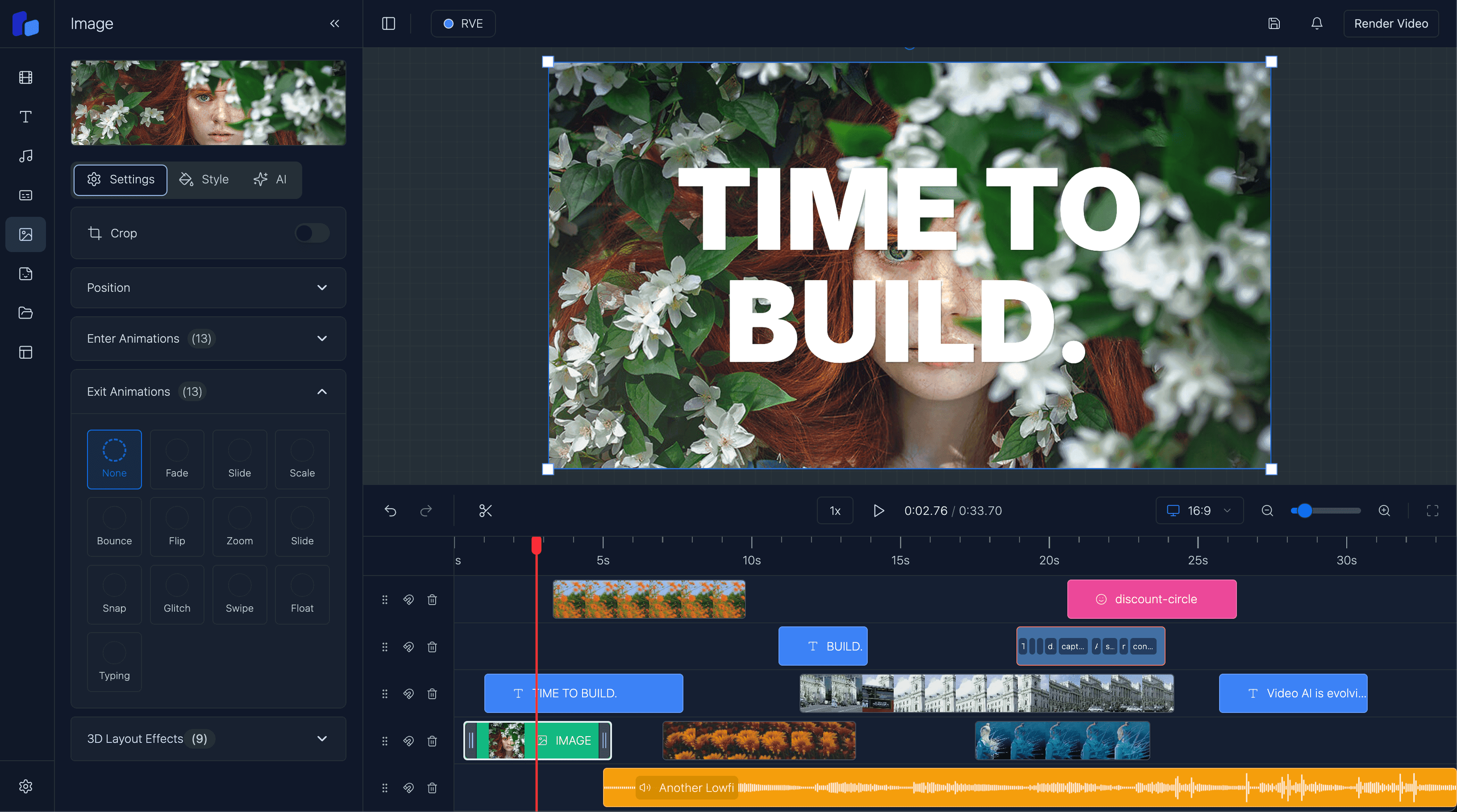
featureAdd animated text, images, and graphics to your videos with transitions and effects built-in.
featureAnimate captions and subtitles with fade-in effects and professional styling for accessibility.
blogSee how we implemented animation systems and transitions using React and Remotion.
blogCompare Remotion transition primitives with the fuller editor workflow teams usually need for real users.