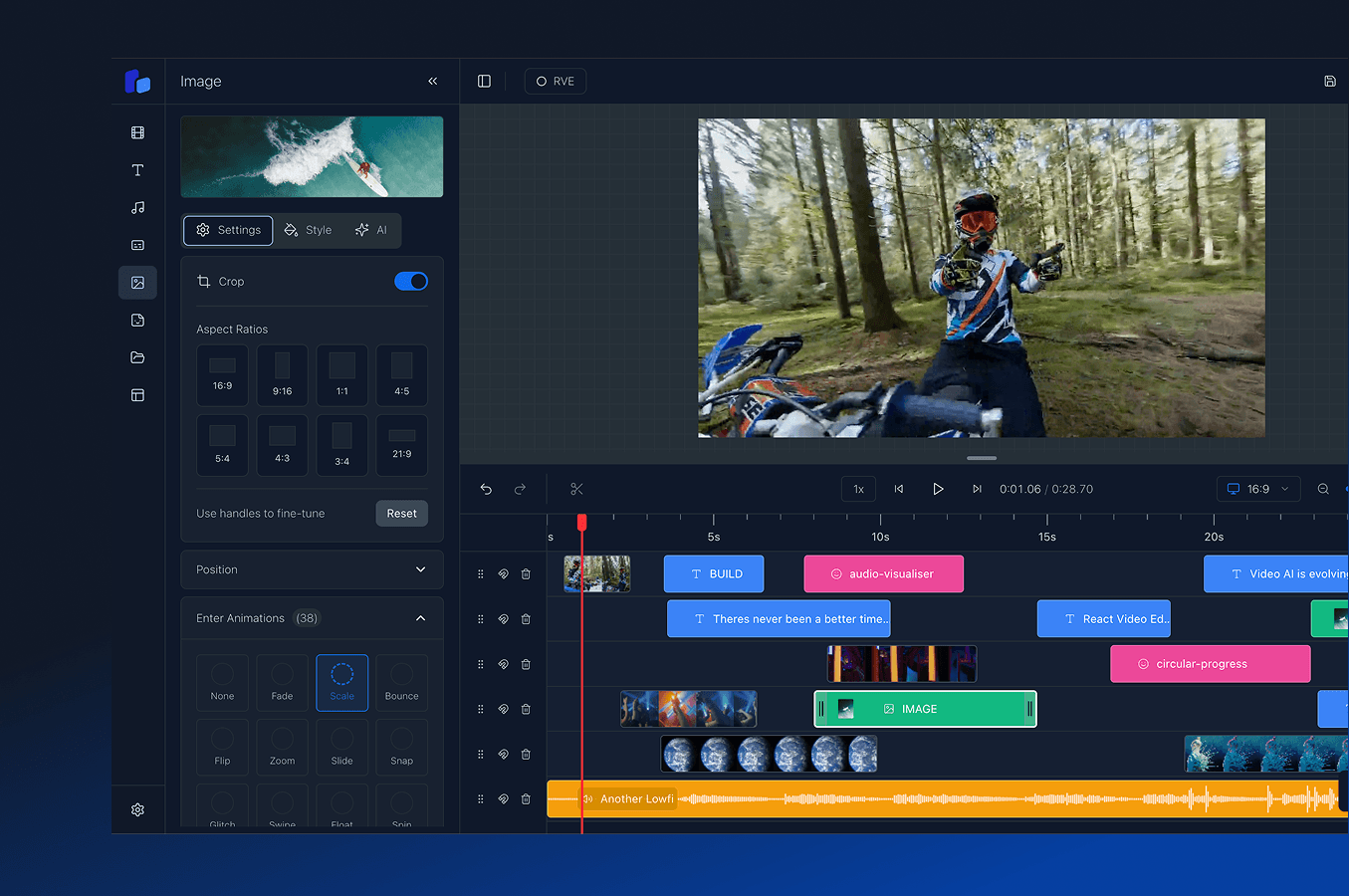
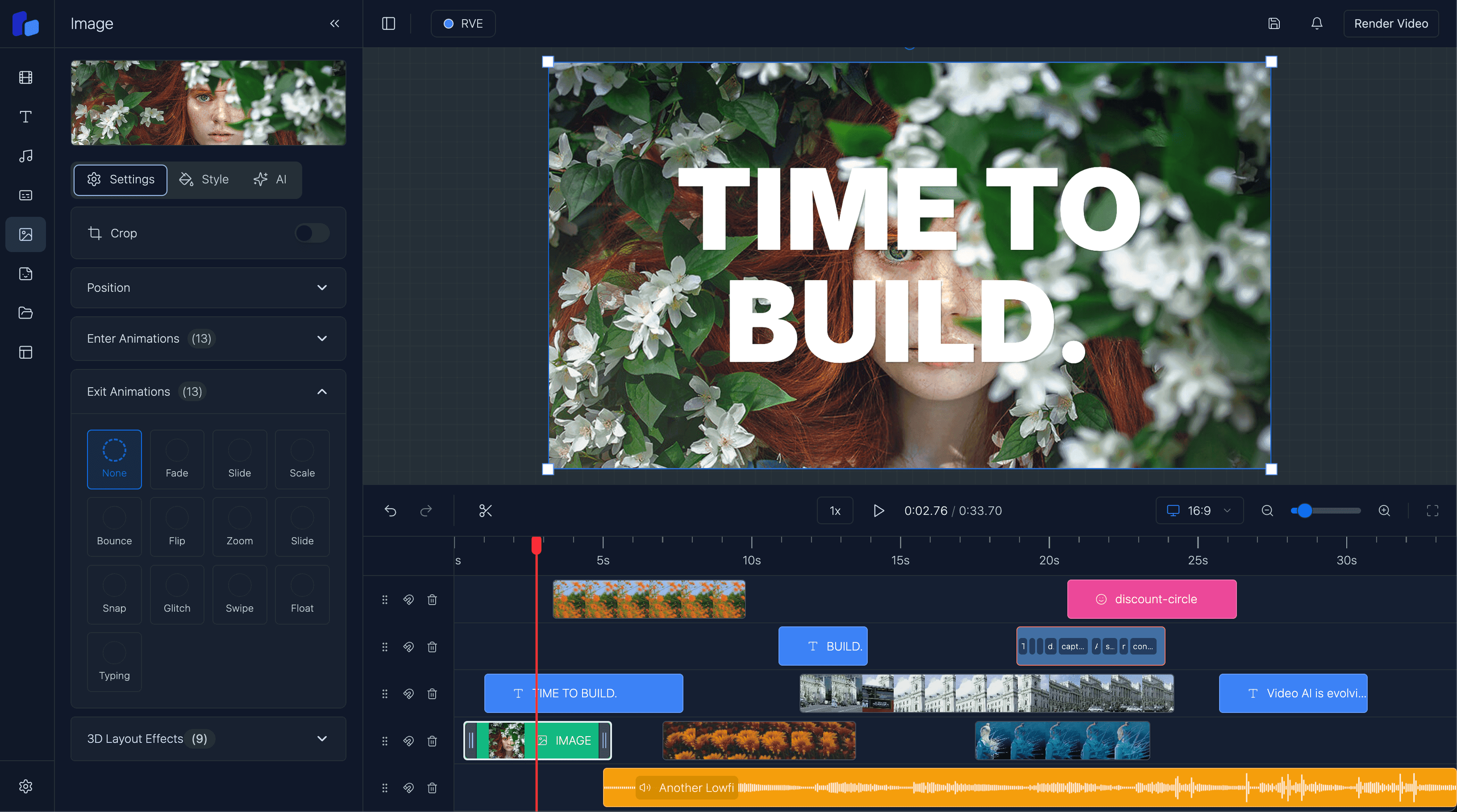
Export production-ready videos with Remotion using out-of-the-box client-side rendering, AWS Lambda, or your own Node.js server pipeline. Built for React developers who need reliable, high-quality video rendering at scale, with complete control over infrastructure, output quality, and formats.
Start rendering professional videos today
Flexible Video Rendering
Choose your rendering infrastructure based on your needs. Use out-of-the-box client-side rendering for quick setup, deploy on AWS Lambda for serverless scalability and pay-per-use pricing, or run SSR on your own Node.js server for complete control and data privacy. Every option uses Remotion's powerful rendering engine with configurable output settings, multi-format support, and production-grade quality. Perfect for automated video generation, social media content, and dynamic video applications.
Three Rendering Paths
Remotion-Powered Exports
Real-Time Progress & Status
Production-Ready Integration
Choose your rendering infrastructure: use out-of-the-box client-side rendering, deploy on AWS Lambda for serverless scalability or run SSR on your own server for complete control. Both options use the same Remotion-powered rendering engine. Combine with timeline editing, overlays, and captions for a complete video creation and rendering pipeline.
Rendering in minutes
Export professional videos with Remotion's rendering engine. Use out-of-the-box client-side rendering, deploy serverless on AWS Lambda for automatic scaling, or run SSR on your own Node.js server for complete infrastructure control. Built for production workloads with full control over quality, resolution, and output formats.
View full documentationimport React from 'react';
import { HttpRenderer } from '@/app/reactvideoeditor/pro/utils/http-renderer';
import { ReactVideoEditor } from '@/app/reactvideoeditor/pro/components/react-video-editor';
import { createPexelsVideoAdaptor } from '@/app/reactvideoeditor/pro/adaptors/pexels-video-adaptor';
import { createPexelsImageAdaptor } from '@/app/reactvideoeditor/pro/adaptors/pexels-image-adaptor';
import { DEFAULT_OVERLAYS } from '@/app/constants';
import { CustomTheme } from '@/app/reactvideoeditor/pro/hooks/use-extended-theme-switcher';
export default function VideoEditorPage() {
const PROJECT_ID = 'MyComposition';
const availableThemes: CustomTheme[] = [
{ id: 'rve', name: 'RVE', className: 'rve', color: '#3E8AF5' },
];
// Initialize server-side renderer for scalable video exports
const customerRenderer = React.useMemo(
() =>
new HttpRenderer('/api/latest/customer-renderer', {
type: 'custom',
entryPoint: '/api/latest/customer-renderer',
}),
[]
);
return (
<div className="w-full h-screen">
<ReactVideoEditor
projectId={PROJECT_ID}
defaultOverlays={DEFAULT_OVERLAYS}
fps={30}
renderer={customerRenderer}
disabledPanels={[]}
availableThemes={availableThemes}
defaultTheme="dark"
sidebarWidth="400px"
sidebarIconWidth="57.6px"
showIconTitles={false}
adaptors={{
video: [createPexelsVideoAdaptor('YOUR_PEXELS_API_KEY')],
images: [createPexelsImageAdaptor('YOUR_PEXELS_API_KEY')],
}}
onThemeChange={(themeId) => console.log('Theme changed:', themeId)}
/>
</div>
);
}Use out-of-the-box client-side rendering, deploy on AWS Lambda for serverless scalability, or run SSR on your own Node.js server. Same powerful rendering engine, your choice of infrastructure.
Built on Remotion's battle-tested rendering engine with support for HD, Full HD, and 4K output at customizable frame rates and bitrates.
Monitor rendering progress in real-time with detailed status updates, error handling, and completion callbacks for both Lambda and self-hosted setups.
Drop-in HTTP renderer with TypeScript support, built for modern React applications using Next.js. Works seamlessly with both serverless and self-hosted architectures.
Choose the right plan for your project, whether you're building a personal project, launching a startup, or scaling an enterprise application.
Indie Developers
$299$149USD
1 developer seat
We know how hard it can be to build alone or in a small team. Get one developer seat. Full features, full control. Build faster. Launch quicker.
Startup
$750$499USD
5 developer seats
Built for momentum. Get 5 developer seats so your whole team can work independently - no forks, no messy workarounds. Onboard faster. Ship quicker.
Enterprise
Let's Talk
Whole team
Designed for teams who want to scale. Includes SLA-backed support, a private package manager, and hands-on guidance from a team that understands how to ship production-ready video.
Need Expert Video Development Help? We've helped startups and enterprises around the world ship custom video editors, speed up rendering, and nail seamless user experiences.
Whether you need an MVP or enterprise-scale solution, we know the pitfalls and how to avoid them.

Get answers to common questions about React Video Editor and how it can help accelerate your development process.
Because building a production ready video editor is far harder, and far more expensive than most teams expect. Most people start thinking they just need a timeline and a renderer, but then they run into browser memory issues, playback desync, rendering pipelines, uploads, trimming logic, captions, exports, cloud rendering, media processing, performance problems, and suddenly months disappear.
Even with the latest AI models, you still end up owning and maintaining a huge amount of complex infrastructure. That's usually the hidden cost. It's not just building the editor, it's supporting it long term once real users start uploading large projects and expecting everything to work reliably.
React Video Editor gives your team a foundation that's already been through those problems so instead of burning engineering time rebuilding infrastructure, you can focus on the part of the product that actually makes you different.
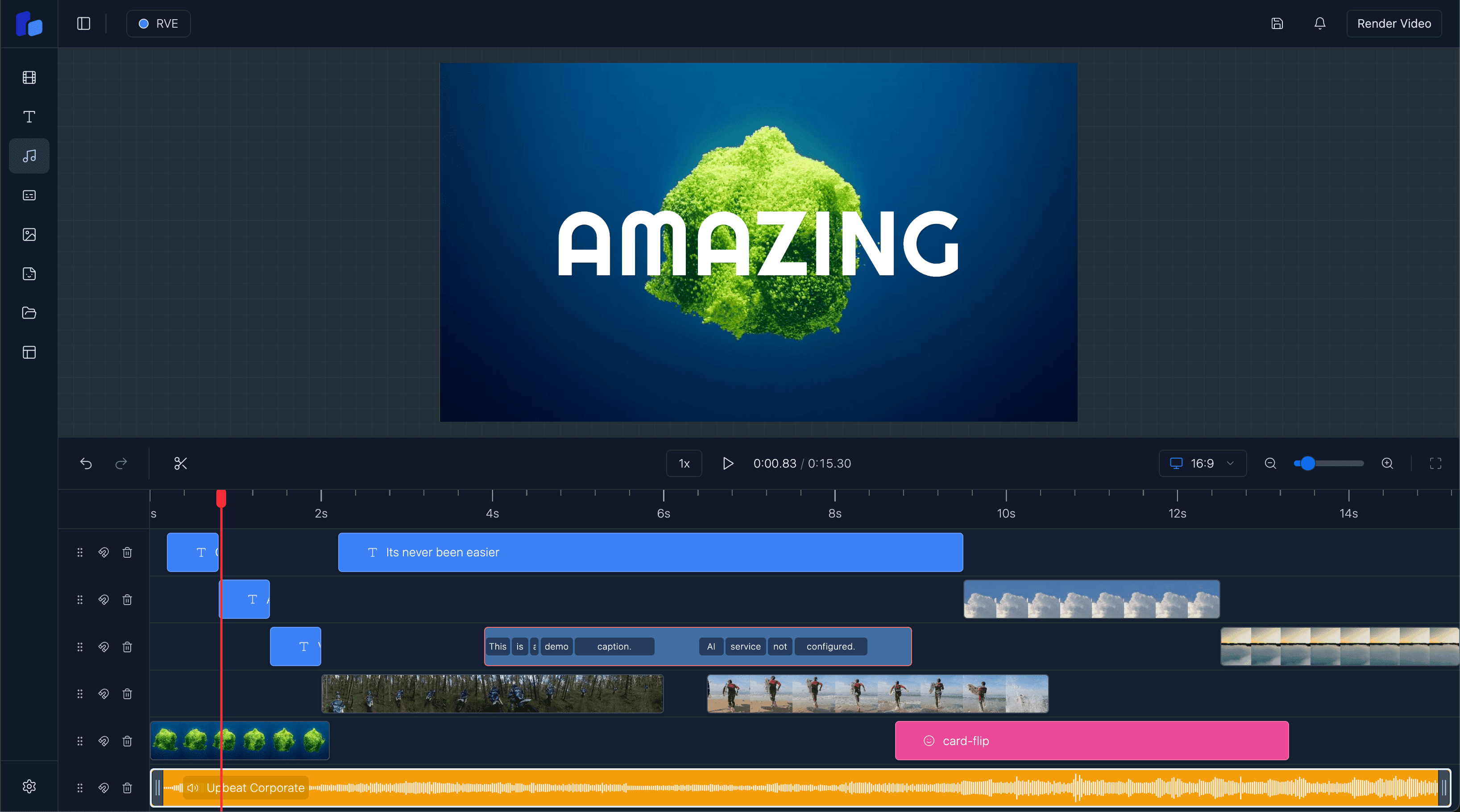
Very quickly. Once React Video Editor is installed, you immediately have a production-ready video editor running inside your app. Most teams have the editor integrated and working within a morning, then it becomes about tailoring the experience around your workflow, product, and users.
The Editor is modular, so teams can start simple and gradually expand over time as the product grows.
Speed, but more importantly avoiding expensive engineering dead ends.
You could absolutely build a video editor internally. Many teams try. The problem is the maintenance burden slowly becomes its own full-time project. Rendering issues, browser limitations, uploads, media processing, timeline performance, exports, infrastructure scaling, it never really stops.
React Video Editor gives your team a massive head start with a foundation that's actively maintained and improving every month. At the very least, you can be confident the editor works properly and won't quietly consume months of engineering time trying to support it internally.
For most teams, it ends up dramatically cheaper than building and maintaining everything themselves.
React Video Editor supports multiple rendering approaches depending on your product and infrastructure.
Client-side rendering runs directly in the browser using WebCodecs which is great for fast exports, lower infrastructure costs, and simpler setups.
For larger workloads or production-scale rendering, you can use server-side or AWS Lambda rendering. A lot of teams end up using a mix depending on the workflow they're building.
We also help customers choose the right rendering architecture based on their product, scale, export requirements, and infrastructure goals because there's no single "correct" setup for every team.
Yes - that's one of the main reasons teams use it. You can customize the UI, hide features, change workflows, apply your own branding, and shape the editor around your product.
Some teams use the SDK as a lightweight editing layer while others build fully custom AI video products and workflows on top of it.
Yes. Some teams want the managed SDK experience while others need full source access for deeper customization, internal tooling, or compliance requirements.
We offer both.
For teams that need the source version, we also offer deeper integration support where we work directly with your team on architecture, rendering infrastructure, customization, and implementation strategy. That side is typically handled as a integration partnership depending on the level of involvement needed.
RVE Pro was the original version of React Video Editor. It's a full Next.js source code template that gives teams complete ownership and flexibility from day one.
A lot of early customers loved that approach, especially teams wanting to deeply customize everything, but over time we kept seeing the same problem appear. As customers modified the codebase heavily, staying in sync with new versions became difficult. Updates got painful, projects drifted, and eventually teams were maintaining large parts of the editor themselves.
That feedback is ultimately why we built the SDK.
The SDK gives teams the same core editor experience, but as a managed component library delivered through npm. Updates are far easier, integrations are cleaner, and teams don't end up fighting version drift six months later.
RVE Pro is still available, but over time the two products have drifted quite a bit. The SDK has become significantly more mature and is where all active development, new features, rendering improvements, and infrastructure work now land first.
Most teams choose the SDK because they want to move fast without taking on the long-term maintenance burden of owning the full editor codebase themselves.
Every customer gets email support directly from our engineering team. For customers building larger products or deeper integrations, we also work closely through Slack, Teams, shared channels, and ongoing collaboration depending on the engagement.
A big part of React Video Editor is helping teams navigate the complexity around rendering, infrastructure, scaling, and architecture decisions, not just handing over a package and disappearing.

Join developers worldwide who are already creating amazing video experiences. Get started with React Video Editor today.
Complete guide to deploying video rendering on AWS Lambda or your own Node.js server with Remotion.
featurePowerful drag-and-drop timeline for precise video editing before rendering. Trim, split, and arrange clips with frame accuracy.
featureAdd professional captions that render seamlessly with your exported videos in any format.
blogLearn how we built the complete video editing and rendering pipeline with React, Remotion, and AWS Lambda.
featureLayer graphics and text that export perfectly with server-side rendering on any infrastructure.
featureApply professional transitions that render smoothly in your exported videos with no quality loss.