What is ShotGlass?
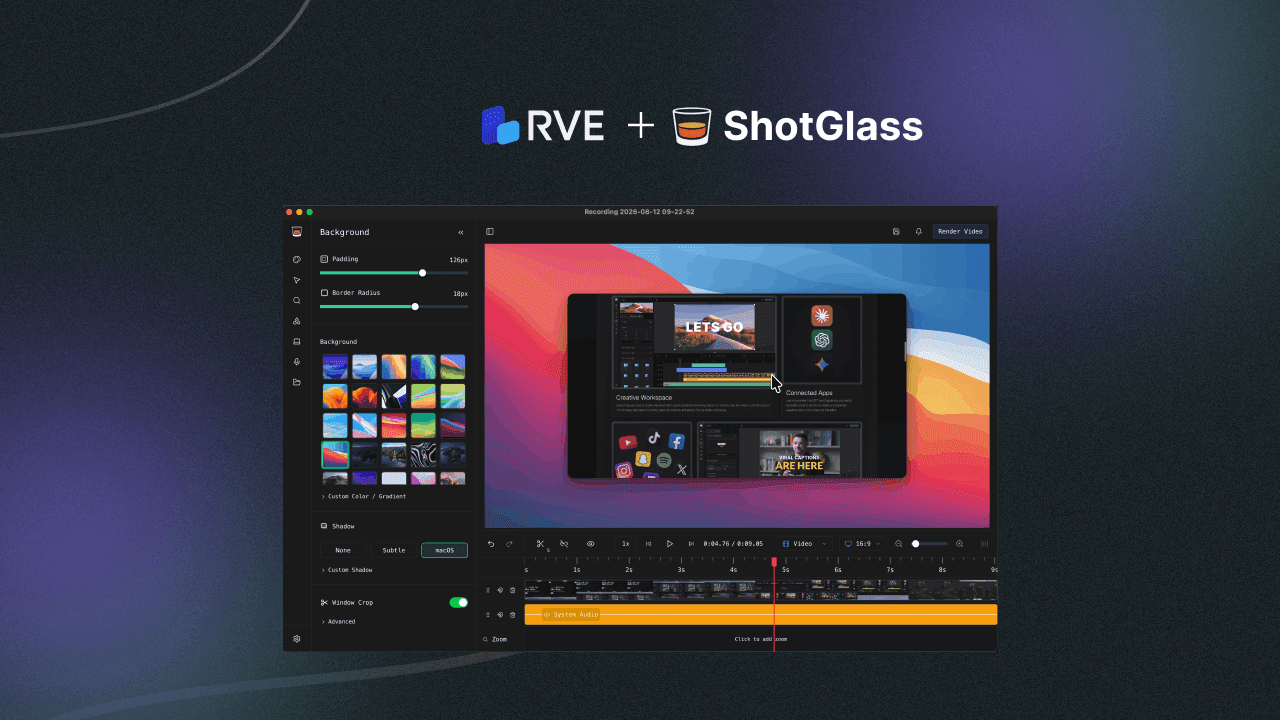
ShotGlass is a macOS screen capture app for creating polished screenshots and screen recordings. It brings recording, editing, automatic zooms, backgrounds, annotations, camera, audio and export into one local-first desktop product.
Capture your screen, polish it quickly, and share something that looks professional.
The Mission
Raw screen recordings are easy to make, but polished product demos usually take far more work. People often end up jumping between a screen recorder, screenshot tool, annotation app and video editor just to create something clean enough to share.
ShotGlass brings that workflow into one Mac app. Users can capture their screen, clean up the result with backgrounds, zooms, cursor effects and annotations, then export without moving between tools.
More Than Screen Recording
ShotGlass is not just a capture tool. The product is built around the whole process of making screen recordings look finished after recording.
Users can select a screen, window or area, record the interaction, then polish the output inside the same app. That includes automatic zooms, clean backgrounds, cursor effects, annotations, camera, microphone, system audio and export presets.
The Challenge
ShotGlass had a clear vision, but the recorder was only one part of the product. To make captures editable, the app also needed a real editing foundation underneath it: timeline playback, trimming, cutting, media handling and export.
Building that from scratch would have pulled focus away from the parts that make ShotGlass different. Jake had already felt that pain before, so RVE gave the product a faster path to a working editing experience.
The Solution
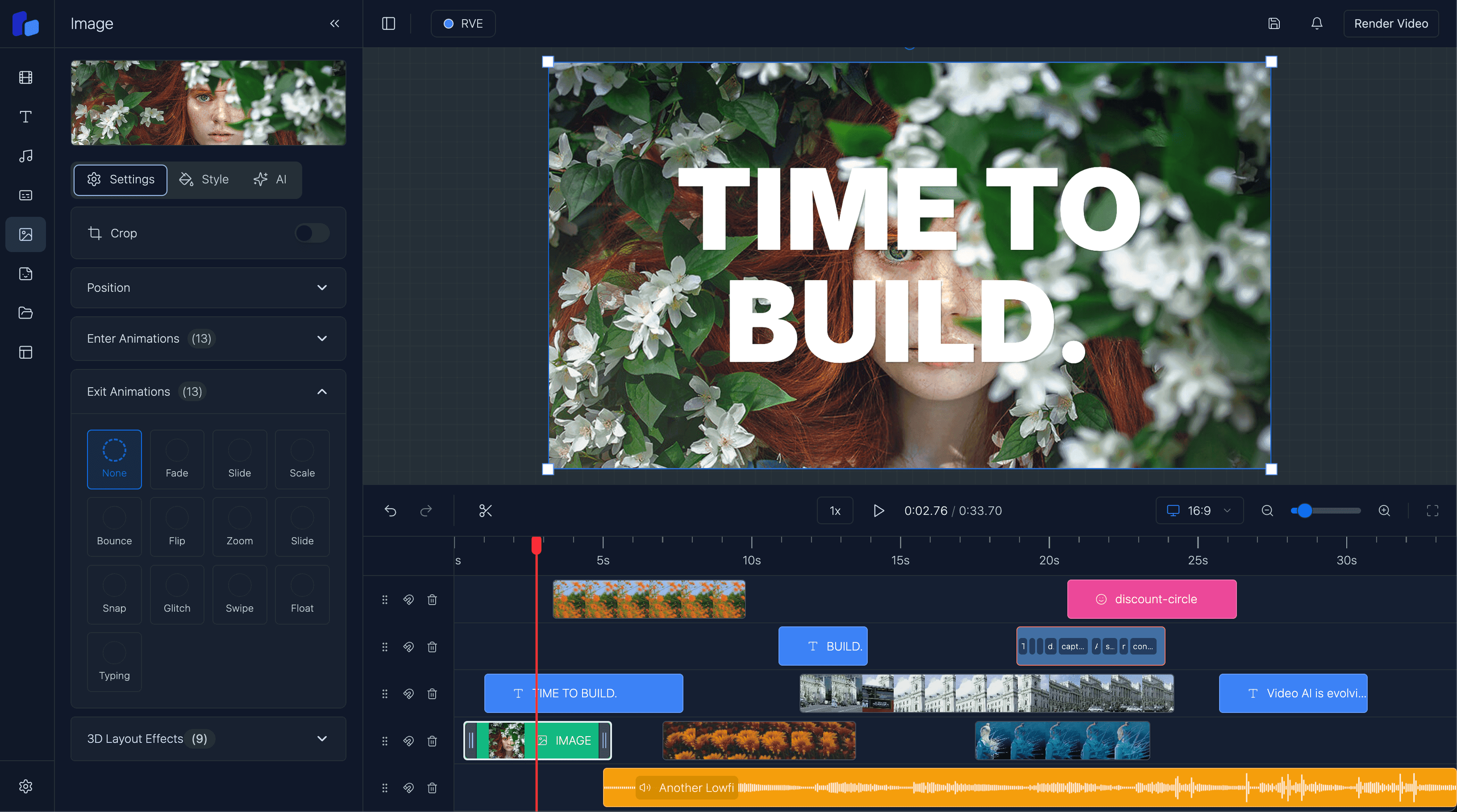
ShotGlass used React Video Editor as the foundation for the editing experience. RVE handled the core editor problems, while ShotGlass built the screen recording, polish tools and Mac app experience around it.
Implementation
RVE sits underneath the recorder as the editing foundation. ShotGlass controls the product experience on top, including capture, zooms, backgrounds, annotations and export.
A polished screen capture app with a real editing foundation underneath
Foundation
RVE helped ShotGlass avoid rebuilding editor infrastructure
RVE gave ShotGlass the editing foundation underneath the recorder, letting the product focus on capture, polish tools and the native macOS experience.
The Stack
React + Next.js     > App framework
RVE                 > Editing foundation
macOS APIs          > Screen, camera and audio capture
Desktop App         > Native Mac product experience
Custom Workflows    > Automatic zooms, backgrounds and annotations
Key Results
Impact
- Built a polished macOS screen recorder with editing built in
- Avoided rebuilding timeline, playback, trimming and media handling from scratch
- Kept capture, polish and export in one workflow
- Gave users automatic zooms, backgrounds, annotations, cursor effects and audio tools
- Kept ShotGlass focused on the product experience
What They Shipped
The final product includes:
- Screen recording and screenshots - capture a screen, window or area
- Automatic zooms - highlight important actions after recording
- Clean backgrounds - keep focus on the product
- Annotations and cursor effects - make demos easier to follow
- Camera, microphone and system audio - record everything in one workflow
- Local-first editing and export - keep recording, editing and encoding on the Mac
In Their Own Words
Jake Manger, maker of ShotGlass, shared this about RVE:
I really love your library. RVE made it so much easier to get the editing experience working. I know how painful that is to build yourself.
Next step
Ready to build your video product?
See how React Video Editor can be the editing foundation beneath your app. Get the same foundation ShotGlass used to build editing into a polished macOS screen recorder.